Application scripting
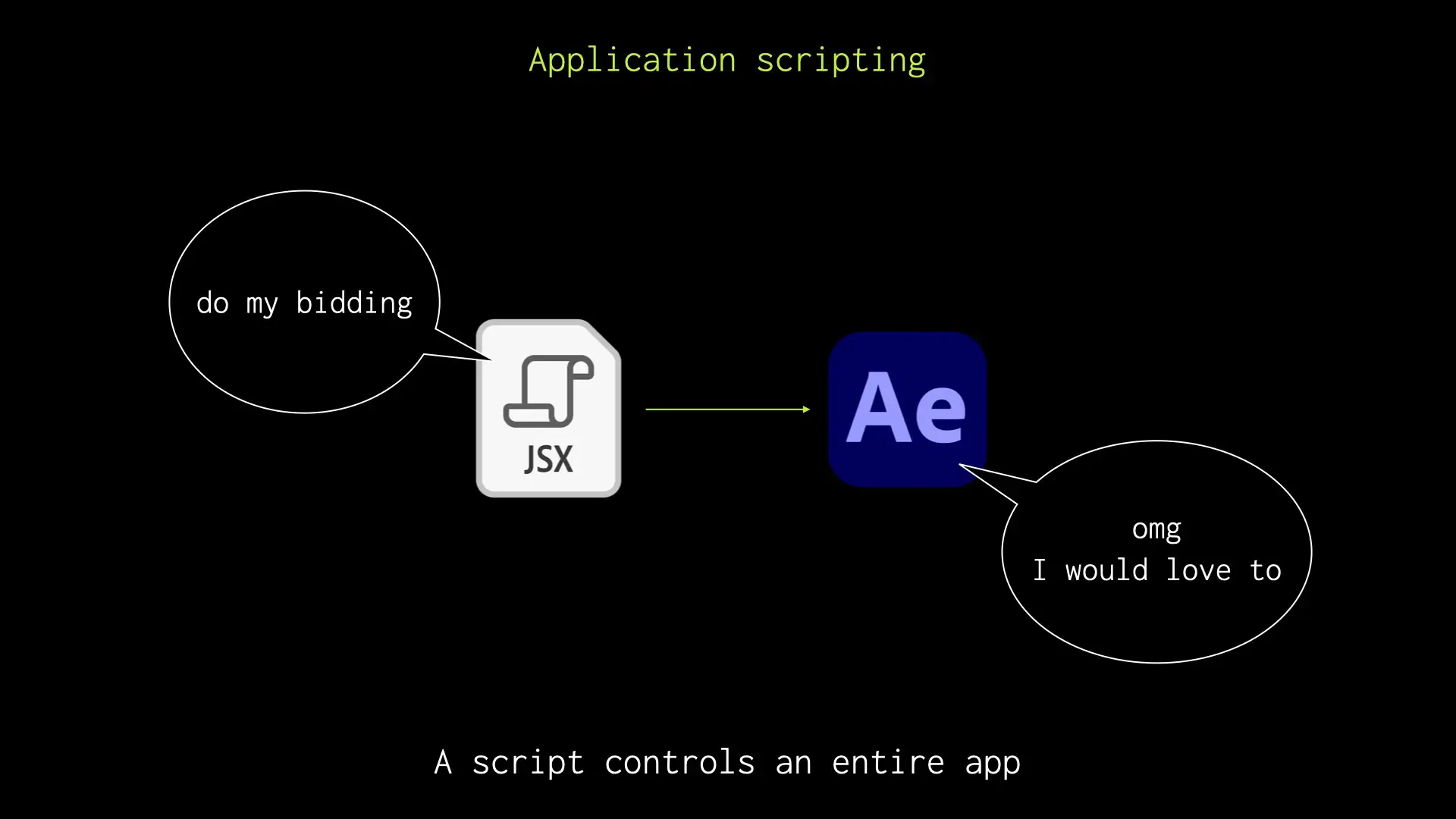
Application scripting allows you to automate repetitive tasks within software applications.
Getting started
Section titled “Getting started”I have my very own silly little repo on GitHub with some After Effects scripts I’ve written. Have at:
Ian's AE Scripts
Scripts for fun and profit
Different ways to run scripts
Section titled “Different ways to run scripts”No interface
Section titled “No interface”You can run scripts without a user interface, with a keyboard shortcut or menu command.
Alternatively, you can attach a script to a button using a utility like KBar.
In my talk, I demonstrated a tiny script that renames layers based on the contents of the clipboard. You can grab the source code here (note: Mac only at the moment! Sing out if you want to see a Windows version).
Simple UI
Section titled “Simple UI”For more complex scripts, where you need user input, you can create a dockable panel built in HTML/CSS/JS. Between you and me … it can be a bit fiddly.
But – good news. The legends at Hyperbrew have created a boilerplate to make this easier:
bolt-cep
A lightning-fast boilerplate for building Adobe CEP Extensions
Glue apps together
Section titled “Glue apps together”I demonstrated a script for After Effects that uses a fuzzy finder called choose to filter a list of comps.
choose
A fuzzy finder for Adobe After Effects
You’re thinking: “yeah but where’s the rest of the script? You know, the bit that sends the comps out of After Effects?” Good question.
At the time of writing, I don’t think it’s quite portable enough to share yet. But if you think it’d be useful, let me know and I’ll see what I can do.